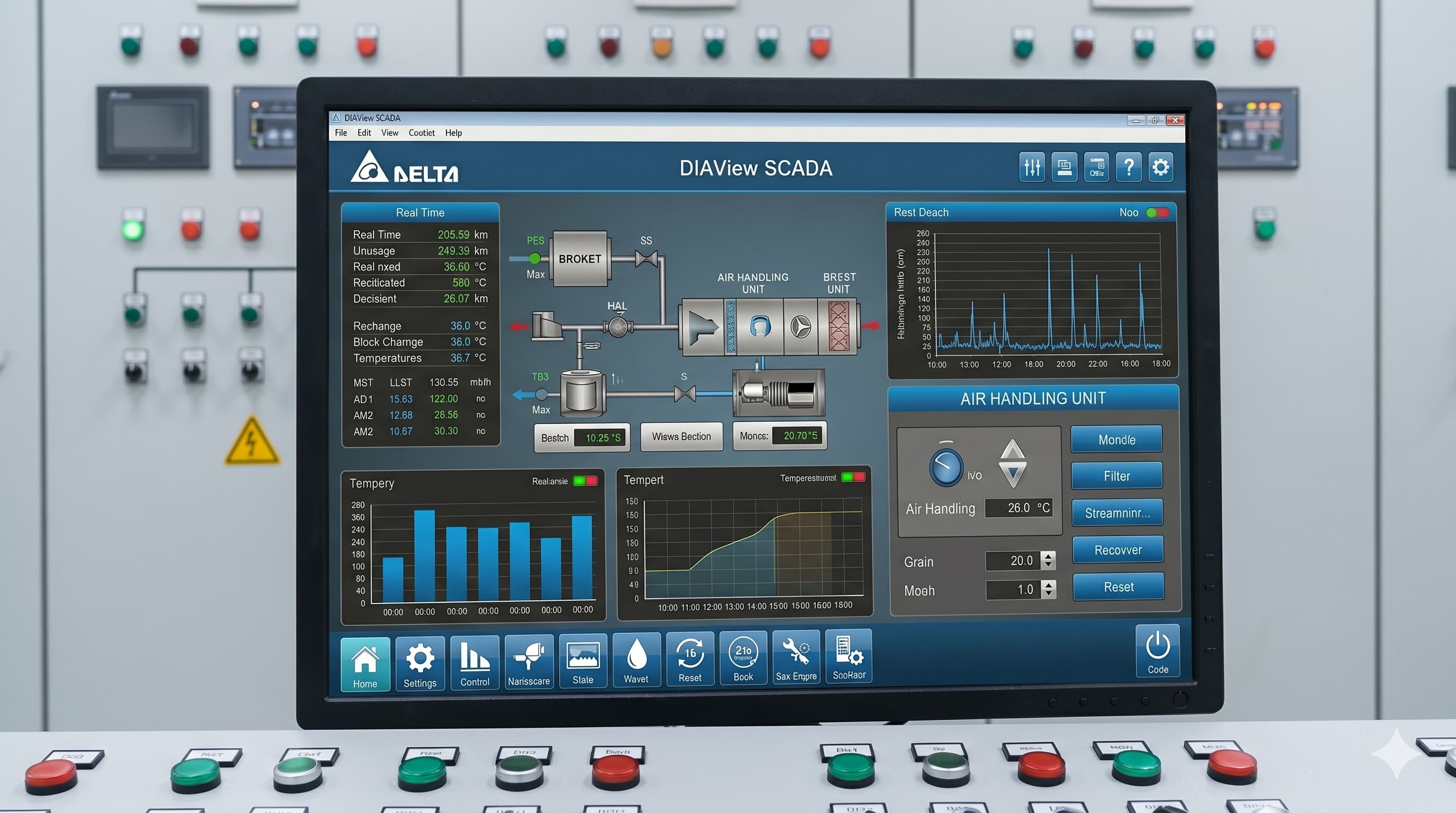
Delta's SCADA software is a full-featured SCADA platform tightly integrated with Delta PLCs. It's free for development on small projects and surprisingly powerful — competitive with HMI software and SCADA software on most plant-floor tasks.
1. Project Setup
Install SCADA software, create a new project, and add a Delta PLC series driver. Configure the communication port and PLC station number. SCADA software auto-imports the tag list if you export it from PLC software.
2. Building Your First Dashboard
- Drag a tank graphic onto the screen
- Bind its fill animation to a D register holding the analog level
- Add a numeric display showing the current value
- Drop a pump symbol and link its colour state to a coil (M)
3. Configuring Real-Time Trends
Add a Trend control, select up to 8 tags, set the sample interval (1 sec is typical for analog), and SCADA software auto-buffers the last hour of data. Operators can pan and zoom history live.
💡 Performance TipFor trends covering more than 24 hours, switch from real-time buffer to Historical Trend backed by the built-in SQLite database. The real-time buffer is RAM-only and resets on restart.
4. Historical Data Logging
Open the Historical Data module, define a record set with the tags you want to log, set the period (e.g., every 5 sec), and SCADA software writes to disk. Export to Excel or CSV with one click.
5. Alarms & Notifications
Combine SCADA software alarms with email notifications via SMTP — operators get notified on their phone the moment a critical level breach occurs.