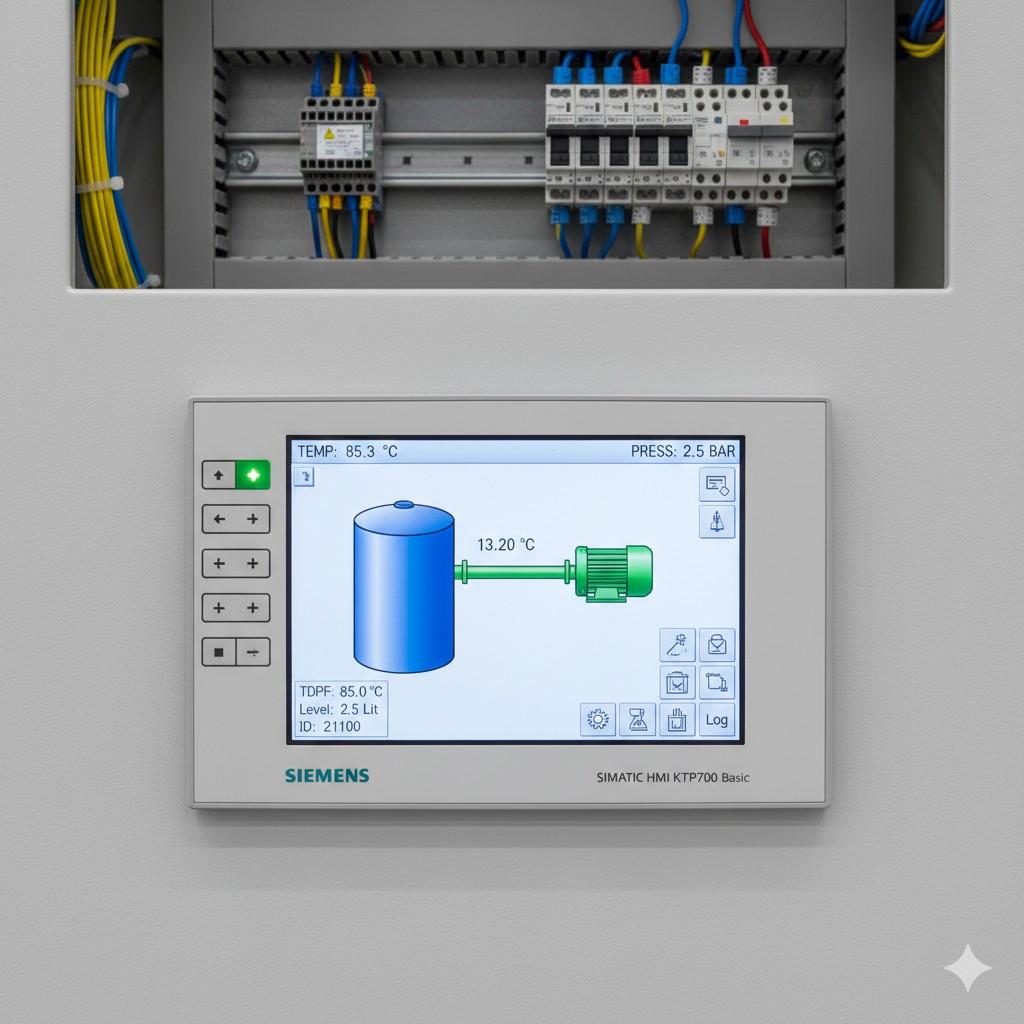
Delta HMI panel series HMIs are the perfect complement to PLCs — affordable, fast, and packed with features. Good HMI design separates a great machine from a frustrating one.
1. HMI software Workflow
Launch HMI software, create a new project, select your HMI panel series model and the PLC type. The communication wizard sets up the link automatically (RS-232/485 or Ethernet).
2. Tag Linking — The Right Way
- Define tags in a central Tag List, not directly on screen objects
- Use meaningful names:
MOTOR_RUN_STATUS, notM0 - Group tags by machine area for easier maintenance
💡 Naming ConventionStick to UPPER_SNAKE_CASE for internal tags and PascalCase for screen object IDs. Consistent naming pays off when projects grow past 200 tags.
3. Alarm Screen Design
Use the built-in Alarm Setup module — it gives you priority levels, acknowledgement workflow, and a history log without writing any code.
4. Multi-Page Navigation
Build a header bar (Home, Alarms, Trends, Settings) on a Sub-Macro Screen and import it on every page. Single-source maintenance.
5. Don't Forget Accessibility
Use high-contrast colors. Avoid red/green-only alarm indicators (~5% of male operators are red-green colour-blind) — combine with shape or text labels.