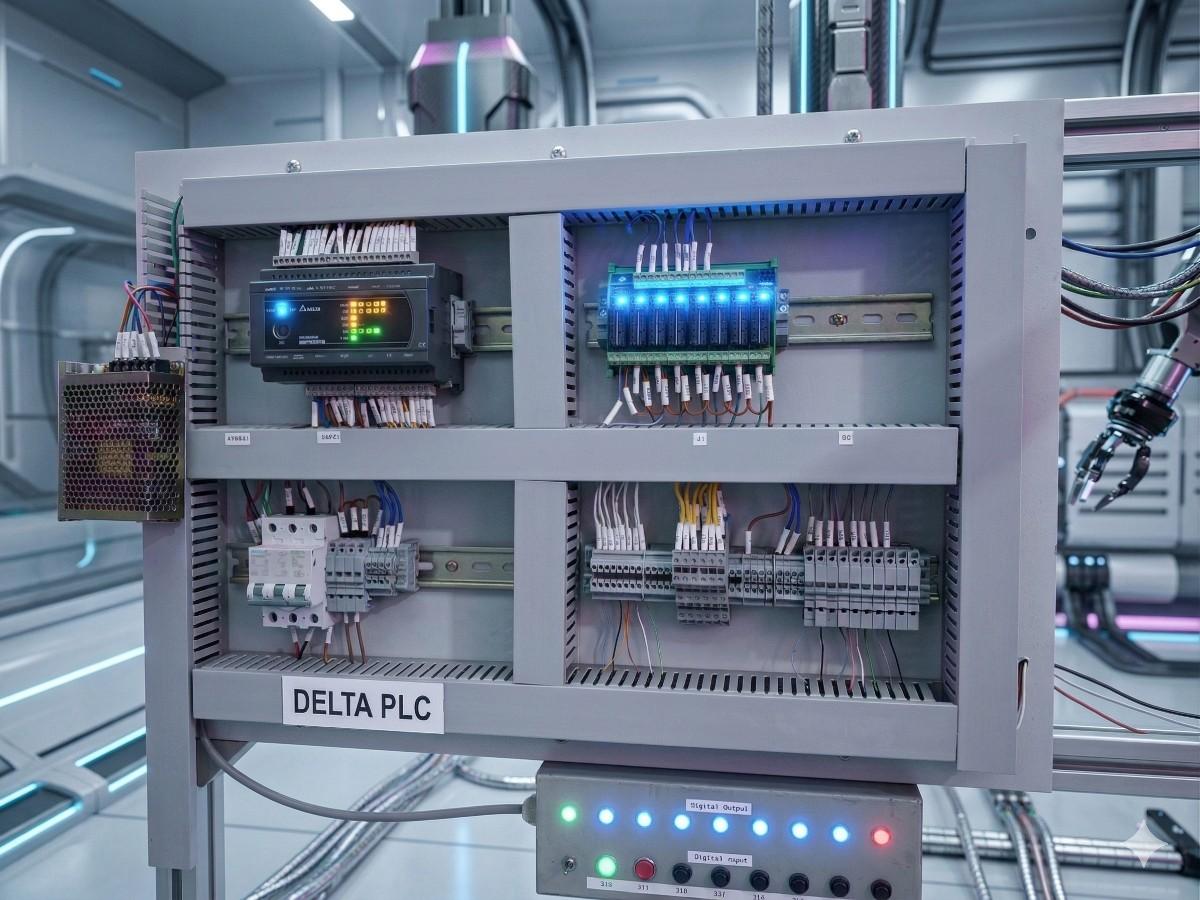
The Delta PLC is one of the most widely used compact PLCs in Asian manufacturing — small machine builders, packaging lines, and OEM equipment. This guide walks you from unboxing through your first running ladder program.
1. Hardware Overview
The PLC series comes with 16 to 32 I/O points in a compact DIN-rail enclosure. Power supply is typically 24V DC. Built-in features include high-speed counters, PWM outputs, and RS-485 communication.
- Digital Inputs: 24V DC sink/source
- Digital Outputs: Relay or Transistor (NPN/PNP)
- Built-in Comm: RS-232 + RS-485 (Modbus RTU)
2. Installing PLC software
Download PLC software from the Delta Industrial Automation website. It's free and installs in under 5 minutes. After installation, set communication to "COM Port" with default 9600 baud, 7-E-1.
3. Your First Ladder Program — Start/Stop Motor
Create a new project, select PLC model, and write the classic seal-in circuit:
- X0 — Start push button (NO)
- X1 — Stop push button (NC)
- Y0 — Motor contactor output
💡 Pro TipAlways include a hard-wired safety stop independent of the PLC logic. Software-only e-stops are not compliant with industrial safety standards.
4. Upload & Test
Connect the PLC, switch it to RUN mode in PLC software, and download the program. Press the Start button — the motor output Y0 should latch ON. Press Stop — it releases.